
Reaching coaches
Coaching changes
When a head coach at a school she follows leaves or arrives, so she is not emailing an address that no longer reads.
Steps
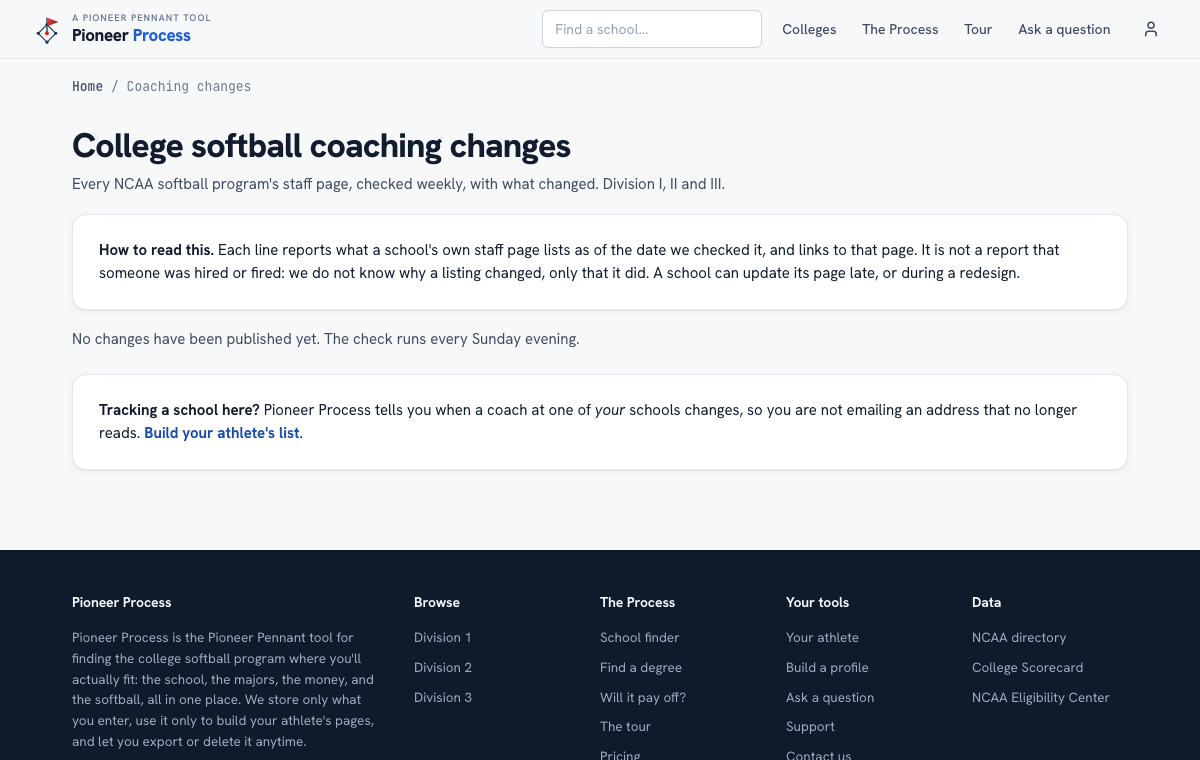
- Every NCAA softball program's staff page is checked weekly. Published changes appear on the Coaching changes page under Colleges, with a link to the school's own page for each one.
- To be emailed when a coach at a school in her Top Ten or recruiting log changes, turn on Coach-change alerts in Settings under Email preferences. It is off until you turn it on.
- After a change, update the log: the email she sent last month went to the old coach, and the new one starts from zero.
What good looks like
One email in a season that saves her from writing to a coach who left in June, and a fresh introduction to the new one before the fall camp.
Mistakes we see
- Assuming alerts are on. They are opt-in, on purpose.
- Reading a listed change as a job posting. It reports what the school's page lists, checked on a date, nothing more.
Related
The recruiting log Password, login email, and devices
Still stuck? Support reaches a person, and every guide lives at Help.