
Your athlete
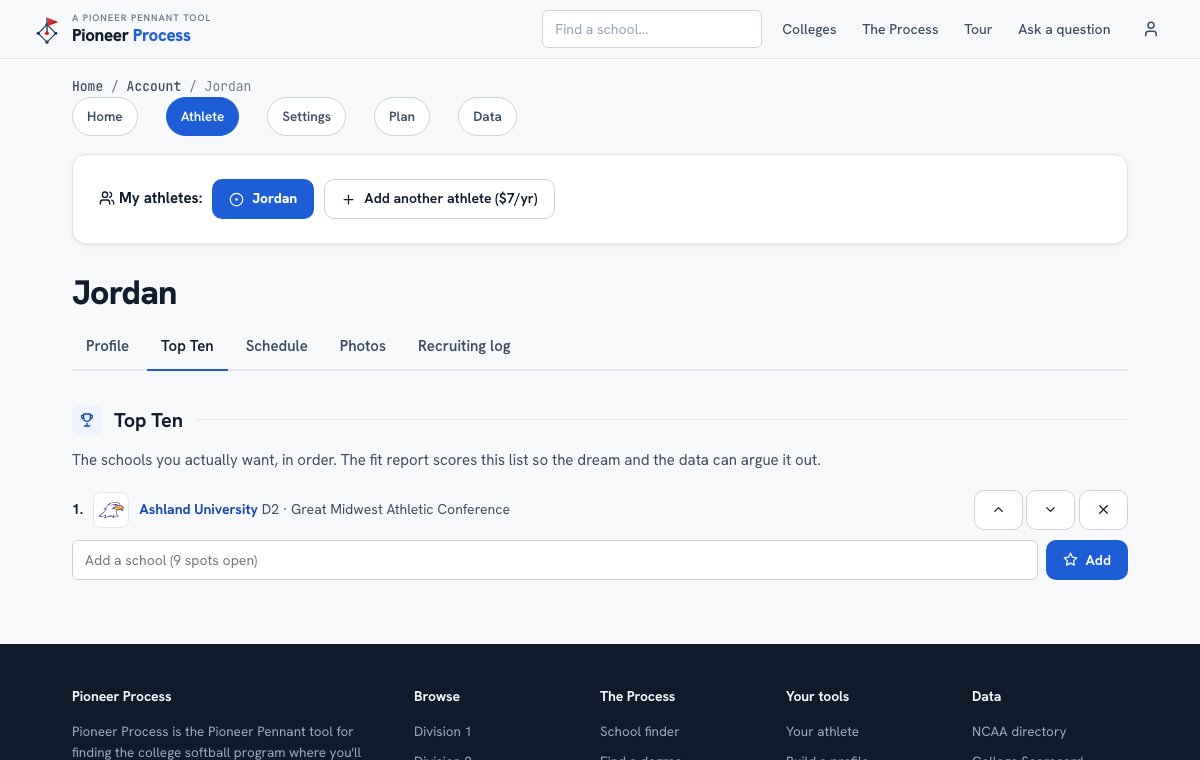
The Top Ten
The schools she actually wants, in order, so the dream list and the data can argue it out.
Steps
- Open Account, then Athlete, then the Top Ten tab. Type a school name and press Add; the name has to match a real program, and the box will offer the closest matches if it does not.
- Order matters: number one is THE one. Move schools up and down as the list settles.
- Add from a school's page too, with Add to Top Ten.
- Run the fit report: the Top Ten is scored at the top, each with its rank out of 581 and whether it is on the recruiting log.
What good looks like
A list of ten where the data agrees with the top three and disagrees with two near the bottom, and the family knows which two and why.
Mistakes we see
- Ten reach schools. The rule this site lives by is go where you are going to play, not as high as you can go.
- Leaving it empty because it feels like commitment. It is a list, not a letter of intent; change it whenever you like.
Related
The fit report The school finder Your athlete's profile
Still stuck? Support reaches a person, and every guide lives at Help.